Dad's Cabin
Create Your Own Personalised 720ml Thermal Drinks Bottle
Create Your Own Personalised 720ml Thermal Drinks Bottle
Maximum file size: 5 MB
For the clearest print, use the original photo rather than a screenshot. Keep important details away from the edges.
Couldn't load pickup availability
Create a completely unique thermal drinks bottle using your own photograph, artwork, logo or text. Printed by us at Dad’s Cabin, this personalised 720ml bottle makes a practical gift for birthdays, Christmas, work, travelling, sports and days out.
How to Personalise Your Bottle
- Choose a photo or text-only design. Upload your photograph, artwork or logo using the upload control on this page. For a text-only bottle, skip the upload and enter your wording instead.
- Add your wording and placement instructions. Use the “Wording to print” box for any names, message or instructions about where you would like your wording placed. Leave it blank if you only want your image printed.
- Check your details and add to basket. Check your chosen image, spelling, punctuation and capital letters before ordering.
For the clearest print: upload your original, highest-quality image rather than a screenshot. Keep important faces, wording and details away from the edges.
Your design will be printed as a full wraparound image, creating a personalised bottle that is made especially for you.
About proofs: a proof will be sent when your images need editing or adjustment.
Hand-printed to order in North Wales
We hand-print and check each item in our North Wales studio. Thank you for supporting Dad’s Cabin, a small independent Welsh business.
Product Details
- 720ml capacity—approximately 25 fl oz
- Keeps hot drinks hot for up to 10 hours
- Keeps cold drinks cold for over 24 hours
- Dishwasher safe
- Stainless steel bottle
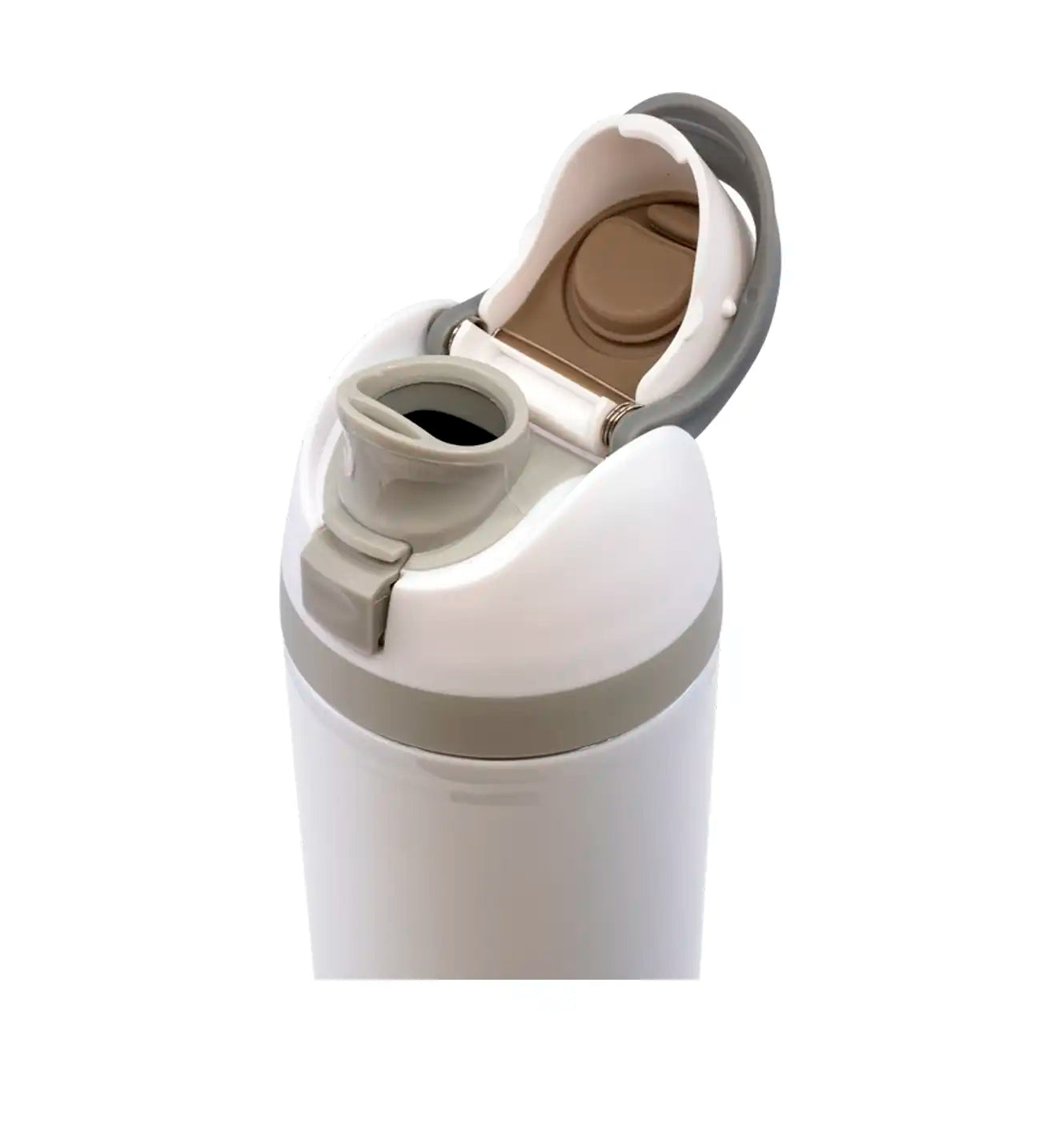
- One-touch drinking spout for convenient single-handed use
- Integral straw
- Plastic lid with folding carry loop
- Generous opening suitable for adding ice cubes
- Supplied in a plain box, ready to wrap
Whether you’re creating a personalised gift, promoting a business or simply want a bottle featuring a favourite photograph, this custom thermal drinks bottle combines your own design with practical everyday use.
Browse all thermal drinks bottles.
If you have a preferred position for your wording, include it in the “Wording to print” box. Check your image, spelling, punctuation and capital letters carefully before adding to your basket.